
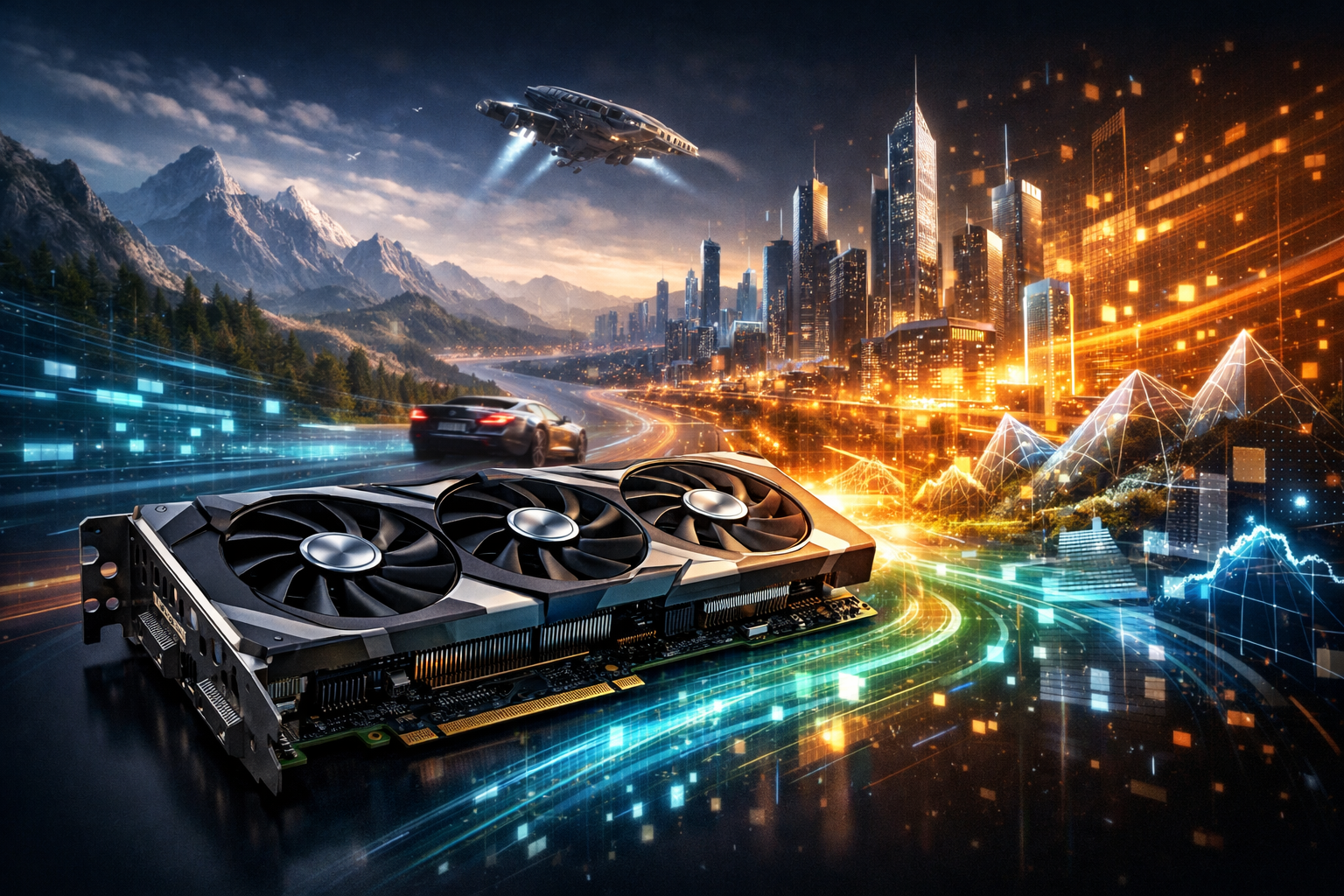
What a Graphics Card Does
A computer graphics card—commonly called a GPU (graphics processing unit)—is specialized hardware designed to render images, video, and 3D graphics efficiently. While the CPU is optimized for a wide variety of tasks, a GPU excels at running thousands of similar operations in parallel. That parallel power is ideal for turning game scenes into frames, applying visual effects, accelerating video editing, and even speeding up non-graphics workloads such as machine learning and scientific simulations.
Modern graphics cards usually come as discrete add-in boards installed in a PCI Express (PCIe) slot, though many laptops and budget desktops rely on integrated graphics built into the CPU. Discrete GPUs include their own fast memory and robust cooling, which makes them dramatically more capable for demanding workloads.
Core Components Inside a GPU
GPU Cores and Parallel Processing
At the heart of a graphics card are many small compute units (often referred to as “cores,” though naming varies by vendor). These cores process shader programs, physics-related calculations, post-processing effects, and general compute tasks. The key advantage is concurrency: GPUs can work on many pixels, vertices, or data elements simultaneously.
VRAM (Video Memory)
VRAM stores assets the GPU needs quickly—textures, geometry buffers, frame buffers, and intermediate results. Capacity matters when running high resolutions (1440p, 4K), high-detail texture packs, large 3D scenes, or multi-monitor setups. Just as important is memory bandwidth, influenced by VRAM type (such as GDDR6/GDDR6X) and the memory bus width; higher bandwidth helps feed the GPU cores without bottlenecks.
Power Delivery and Cooling
Performance requires electricity and heat management. A card’s voltage regulation modules (VRMs) convert power from the PSU into stable current for the GPU and memory. Cooling solutions range from compact dual-fan designs to large triple-fan heatsinks and liquid-cooling hybrids. Better cooling generally means quieter operation and higher sustained boost clocks, especially during long gaming sessions or rendering jobs.
How Rendering Actually Happens
In real-time 3D, the GPU processes a pipeline that converts a virtual scene into the final image on your screen. Geometry is transformed into camera space, triangles are rasterized into pixels, and shaders compute lighting, shadows, reflections, and material properties. The resulting frame is then output through HDMI or DisplayPort.
Modern GPUs also include specialized hardware for advanced techniques. Ray tracing acceleration can simulate realistic light behavior by tracing rays and calculating intersections, producing more lifelike reflections and global illumination. AI-oriented hardware can accelerate tasks such as upscaling (rendering internally at a lower resolution and reconstructing a sharper image) to improve performance while maintaining quality.
Key Specifications That Matter (and Why)
- Performance tier: Practical speed depends on the whole GPU architecture, not just a single number. Reviews and benchmarks are the best way to compare real results.
- VRAM capacity: Important for high-resolution gaming, professional 3D assets, and large video timelines. Too little VRAM can cause stutters or force lower texture settings.
- Memory bandwidth: Helps in high-resolution and effects-heavy scenarios. Bandwidth can matter as much as raw compute for certain games and creative apps.
- Ray tracing and AI features: If you play titles that use ray-traced lighting or rely on AI upscaling, support and performance in these areas can change the experience significantly.
- Outputs and display support: Check HDMI/DisplayPort versions, max refresh rates, and whether the GPU supports your monitor setup (ultrawide, 4K, high Hz).
- Total board power (TBP/TDP): Higher power often enables higher performance, but it demands a capable PSU and good case airflow.
Integrated vs. Discrete Graphics
Integrated graphics are efficient, cost-effective, and improving quickly. They can handle everyday tasks, media playback, and light esports gaming, and they’re excellent for small form-factor systems where heat and power are limited.
Discrete GPUs are built for sustained performance. They shine in modern AAA games, VR, high-resolution multi-monitor configurations, GPU-accelerated creative applications, and compute workloads. If you need stable frame rates at high settings or fast exports in video editing, a discrete card is typically the most impactful upgrade.
Choosing the Right GPU for Your Use Case
For Gaming
Start with your target resolution and refresh rate. 1080p at 60–144 Hz generally needs less GPU power than 1440p or 4K. If you want ray tracing, factor in the performance cost and plan to use upscaling features where available. Also consider VRAM: higher settings and newer titles can be memory-hungry, particularly at 1440p and above.
For Content Creation
Video editing, 3D rendering, and motion graphics benefit from VRAM and strong compute throughput. Many creative applications can use GPU acceleration for effects, color grading, encoding/decoding, and timeline playback. If your projects involve large textures, high-bit-depth footage, or complex scenes, prioritize capacity and stability over peak gaming benchmarks.
For AI and Compute
Machine learning workloads often depend on VRAM capacity and supported software ecosystems. More VRAM can enable larger models or batch sizes. Also consider driver maturity and compatibility with the frameworks you use. For some users, a slightly slower GPU with more memory is more useful than a faster one that runs out of VRAM.
Compatibility Checklist Before You Buy
- Power supply: Verify wattage headroom and the required PCIe power connectors.
- Case size: Check GPU length, thickness (slot count), and airflow clearance.
- PCIe support: Most GPUs work in older PCIe slots, but ensure your motherboard and case layout won’t restrict performance or cooling.
- CPU balance: A very high-end GPU paired with an entry-level CPU can lead to CPU bottlenecks, especially at lower resolutions.
- Monitor pairing: Match GPU capability to your display’s resolution and refresh rate for the best value.
Maintenance and Longevity Tips
Keep your GPU healthy by maintaining clean airflow. Dust buildup increases temperatures and fan noise, which can reduce boost behavior and long-term reliability. Updating drivers can improve performance, fix bugs, and add support for new games and applications, but it’s wise to read release notes if you rely on professional software. Finally, avoid extreme overclocks unless you understand the thermal and power limits; stable performance is often more valuable than marginal gains.
The Big Picture
Graphics cards are more than gaming accessories—they’re parallel computing engines that shape how responsive, detailed, and capable a PC feels in visually intensive and data-heavy tasks. By focusing on your target resolution, VRAM needs, power and cooling constraints, and the specific features your favorite software uses, you can choose a GPU that delivers smooth performance today and remains relevant as applications continue to evolve.


