
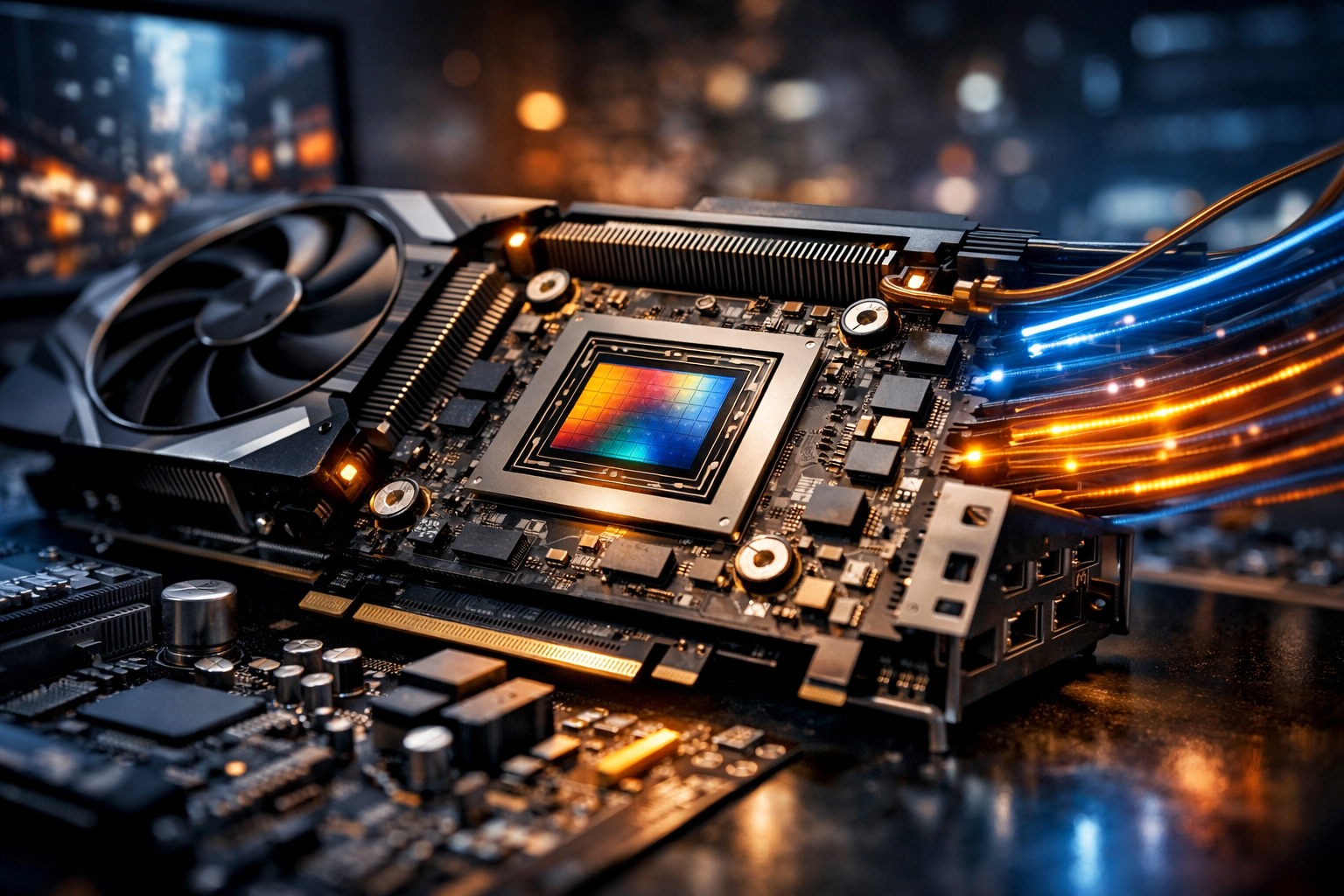
What a Graphics Card Does
A computer graphics card—often called a GPU (graphics processing unit)—is specialized hardware designed to render images, video, and 3D graphics far faster than a general-purpose CPU can. While the CPU excels at a wide variety of tasks with relatively few high-performance cores, a GPU is built around massive parallelism: thousands of smaller cores working simultaneously on similar operations. This design makes GPUs ideal for drawing pixels, shading surfaces, simulating lighting, and accelerating workloads that resemble graphics math, including video processing and many AI tasks.
In practical terms, a graphics card takes information from your applications (games, 3D tools, video editors, or the operating system desktop) and converts it into the frames you see on your display. It also handles outputs like HDMI and DisplayPort, manages refresh rates, and supports multiple monitors.
Key Parts of a Modern GPU
GPU Cores and Parallel Processing
Modern GPUs contain large arrays of compute units (often described as CUDA cores, stream processors, or similar branding). These cores execute shader programs that determine how objects look—color, texture detail, reflections, and shadows. More cores and higher clock speeds generally increase performance, but architecture and efficiency matter just as much, so two cards with similar “core counts” can perform very differently.
VRAM (Video Memory)
VRAM stores textures, geometry, frame buffers, and other data the GPU needs quickly. If you run out of VRAM, performance can drop sharply due to swapping data through slower system memory. Capacity is important for high resolutions (1440p/4K), high-quality textures, large creative projects, and AI models. Memory speed and bus width also influence how quickly the GPU can move data—often summarized as memory bandwidth.
- 8 GB: Common baseline for 1080p gaming and many general tasks.
- 12–16 GB: Helpful for 1440p, heavy texture packs, and content creation.
- 20 GB+: Useful for 4K with high settings, professional 3D scenes, and some AI workloads.
Cooling and Form Factor
GPUs draw significant power and produce heat. Cooling solutions range from compact single-fan designs to large triple-fan coolers and liquid-cooled models. Better cooling usually means higher sustained boost clocks and less noise. However, bigger coolers require more case space and airflow planning, and heavier cards may need support brackets to prevent sag.
Power Delivery and Connectors
Graphics cards are powered through the PCI Express slot plus additional power connectors from the PSU. Higher-end GPUs may require multiple 8-pin connectors or newer high-wattage connectors. Adequate, stable power is essential for performance and system stability. When upgrading, check both the required wattage and whether your PSU has the correct connectors.
Integrated vs. Dedicated Graphics
Many CPUs include integrated graphics (iGPUs), which share system memory and are designed for efficiency. They are excellent for office work, media playback, and light gaming. A dedicated graphics card, by contrast, has its own GPU and VRAM, delivering much higher performance and better support for advanced rendering features. If you edit high-resolution video, use 3D software, or play modern games, a dedicated GPU is often the most impactful upgrade.
Performance Features That Matter Today
Ray Tracing and Hybrid Rendering
Ray tracing simulates the behavior of light to produce realistic reflections, shadows, and global illumination. Because it is computationally expensive, most games use hybrid approaches: rasterization for the bulk of the scene and ray tracing for select effects. Real-time ray tracing performance varies widely among GPUs, so it’s important to compare benchmarks in the titles you actually play or the engines you use.
Upscaling and Frame Generation
Modern GPUs often rely on AI-assisted upscaling to improve performance at higher resolutions. The idea is simple: render internally at a lower resolution and reconstruct a sharper image for your monitor. Some solutions also generate additional frames to increase perceived smoothness. These features can dramatically raise frame rates, but they may introduce artifacts or latency depending on the implementation and your settings.
Video Encode/Decode Engines
Beyond games, GPUs accelerate video editing and streaming using dedicated encode/decode hardware. If you record gameplay, livestream, or work with 4K/8K footage, codec support (such as H.264, HEVC, and AV1) and encode quality can matter as much as raw 3D performance.
Choosing the Right Graphics Card
Match the GPU to Your Display
Your monitor’s resolution and refresh rate should guide your purchase. For 1080p at 60–144 Hz, midrange cards often provide excellent value. For 1440p high refresh or 4K gaming, you’ll typically want a higher-end GPU with more VRAM and stronger cooling to sustain performance.
Consider Your Workloads
- Gaming: Look at performance in the games you play, VRAM for your target resolution, and support for ray tracing/upscaling.
- 3D Creation and Rendering: Prioritize VRAM capacity, driver stability, and performance in applications like Blender, Maya, or Unreal Engine.
- Video Editing: Check codec support, timeline acceleration, and export speeds in your editing software.
- AI and Compute: Memory capacity and software ecosystem support can be decisive, especially for local model work.
Check System Compatibility
Before buying, verify physical clearance (length, thickness, and height), PSU wattage and connectors, and PCIe slot availability. Also consider case airflow: a powerful GPU in a poorly ventilated case may throttle, negating the advantage of a faster model.
Maintenance and Longevity Tips
A graphics card can remain useful for years with a bit of care. Keep drivers updated to improve compatibility and performance, especially for new game releases. Clean dust from heatsinks and fans periodically to maintain cooling efficiency. If temperatures rise over time, replacing thermal paste or pads (for experienced users) can restore performance. Finally, avoid overclocking beyond safe limits unless you understand power, thermals, and stability testing—modern GPUs already boost aggressively when conditions allow.
Where GPUs Are Headed
The GPU market continues to evolve toward greater efficiency, smarter upscaling, improved ray tracing, and tighter integration with creator and AI workflows. As displays push higher refresh rates and resolutions, graphics cards increasingly blend specialized hardware—rendering cores, AI accelerators, and media engines—to deliver smooth visuals and faster production pipelines. The best choice isn’t always the most expensive card; it’s the one that fits your monitor, your applications, and your power and space constraints while offering enough headroom for tomorrow’s software.


